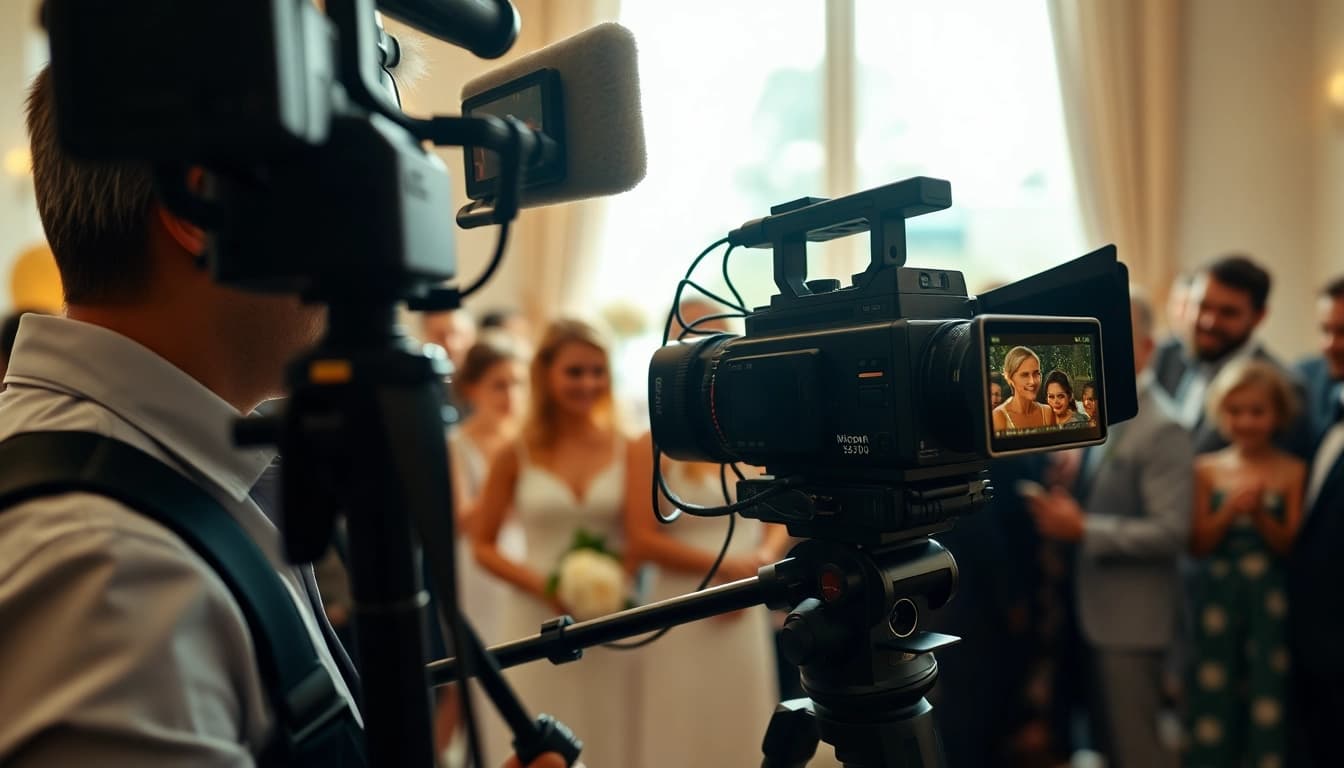
Understanding Video Capture Basics
Video capture is a fundamental process for anyone involved in visual storytelling, whether for personal projects or professional production. It's essential to grasp the basics of video capture to create compelling and high-quality footage. This article will comprehensively cover the basics, advanced techniques, best practices, troubleshooting, and future trends in video capture, ensuring you're well-equipped for editing and sharing your content.
Importance of Video Capture
Video capture serves as the foundation of modern content creation. From marketing campaigns to educational series, effectively capturing video can significantly impact audience engagement. As visual content continues to dominate, understanding its importance is crucial. Quality video capture can convey emotion, tell stories, and share experiences in ways that text and static imagery cannot. Moreover, with the rise of platforms like YouTube and TikTok, the potential reach of well-captured video is tremendous, making it a vital skill for creators and marketers alike.
Key Equipment for Video Capture
The right equipment can make a world of difference in your video capture process. Key components include:
- Cameras: Invest in high-quality cameras, whether DSLRs, mirrorless, or camcorders, that suit your needs and budget.
- Lenses: Different lenses allow for creative effects, such as depth of field and perspective. Wide-angle and telephoto lenses are often essential.
- Tripods and Gimbals: Stabilization provides smooth footage, essential for professional-looking results.
- Audio Recording Devices: Quality sound is paramount; external microphones and audio interfaces ensure clarity.
- Lighting Equipment: Good lighting can dramatically improve video quality; consider softboxes, LED lights, and reflectors.
Common Video Capture Formats
Familiarity with video formats is important for efficient editing and sharing. Some common formats include:
- MP4: Highly versatile and compatible with most devices; ideal for web sharing.
- AVI: Offers high quality but larger file sizes; suitable for editing purposes.
- MOV: Useful for Apple devices, offering high quality with flexible options for video quality.
- WMV: A Windows-based format good for streaming online, but may require conversion on non-Windows platforms.
Advanced Video Capture Techniques
Framing and Composition in Video Capture
The art of framing is critical. Utilize techniques like the rule of thirds, leading lines, and symmetrical balance to create visually appealing compositions. Consider the context of your shot, including background elements that may distract the viewer. Experimenting with angles and perspectives can also significantly enhance the storytelling element of your video.
Using Lighting Effectively for Video Capture
Lighting can transform the mood and quality of your footage. Natural light is excellent, but for controlled environments, consider using a three-point lighting setup: key light, fill light, and back light. Each serves a specific purpose in creating depth and interest. Don’t forget to avoid harsh shadows unless intentionally used for effect; soft lighting is often more flattering.
Audio Considerations in Video Capture
Good audio is just as crucial as high-quality visuals. Invest in quality microphones, and ensure to monitor sound levels while filming. Room acoustics can affect sound quality, so consider soundproofing or using portable sound booths if necessary. Always record a few seconds of ambient sound for synchronization and context in post-production.
Best Practices for Video Capture
Planning Your Video Capture Workflow
A structured workflow can save time and enhance output quality. Start with a clear pre-production plan that outlines your objectives, target audience, shooting schedule, and locations. Storyboarding can help visualize the sequence of shots, ensuring a coherent narrative flow during the actual filming.
Editing Tips Post Video Capture
Editing is where your vision comes together. Use software that fits your skill level, whether beginner-friendly options like iMovie or more advanced programs like Adobe Premiere Pro. Focus on continuity, pacing, and audio synchronization. Incorporate color grading for mood enhancement and utilize transitions sparingly, as they can distract from the content if overused.
Marketing Your Video Capture Projects
Creating great video content is only half the battle; effectively marketing it is essential for visibility. Leverage social media platforms and use descriptive titles and tags to improve searchability. Engaging thumbnails and compelling descriptions can entice viewers to click. Consider collaborating with influencers or utilizing paid ads to broaden your reach.
Troubleshooting Video Capture Challenges
Common Issues During Video Capture
Challenges during video capture can arise unexpectedly. Common issues include poor lighting, distracting background noise, misaligned frames, or equipment failures. Recognizing these potential pitfalls in advance can help you plan for contingencies.
How to Fix Video Capture Errors
Most video capture errors can be fixed with proper techniques. For example, if lighting is too harsh, adjust your light source or use diffusion materials. If audio is poor, consider using lapel mics for directed sound capture or employing noise reduction techniques during editing. Always perform a quick test before the main shoot to identify and fix issues early.
Seeking Help for Video Capture Problems
Don’t hesitate to seek help when needed. Online forums, video capture workshops, and tutorials can be excellent resources for troubleshooting specific issues. Engaging with a community of videographers can provide fresh perspectives and solutions that might not be immediately apparent.
Future Trends in Video Capture Technology
Emerging Tools for Video Capture
The landscape of video capture is ever-evolving. New tools like 360-degree cameras and drones have expanded creative possibilities, allowing for immersive experiences and unique shots that were previously difficult to achieve. Stay updated on emerging technologies to enhance your production quality.
Integrating AI in Video Capture
Artificial intelligence is beginning to play a significant role in video capture and editing. AI algorithms can simplify tasks like automatic scene detection, sound leveling, and even content suggestion based on viewer engagement. Embracing these technologies can streamline workflows and improve the final output.
The Role of Live Streaming in Video Capture
Live streaming is a growing trend, as audiences seek real-time interaction. Whether for events, tutorials, or Q&A sessions, integrating live capture technology can add immediacy and connection to your content. Platforms continue to evolve, offering better features for quality and engagement, making it a compelling option for creators.
FAQs
What is video capture?
Video capture is the process of recording video footage using cameras and other equipment for various purposes, such as events or content creation.
What equipment is essential for effective video capture?
Key equipment includes high-quality cameras, lenses, tripods, gimbals, and audio recording devices to ensure professional results.
How can I improve my video capture skills?
Improving skills can be achieved through practice, studying composition, and experimenting with lighting and sound techniques.
What common mistakes should I avoid in video capture?
Avoid using shaky camera movements, neglecting audio quality, and failing to plan your shots in advance.
What trends are shaping the future of video capture?
Trends include the increasing use of AI tools, advancements in drone technology, and the integration of live streaming capabilities.